
Fullscreen Magic
Automagically finds a video, game, frame, or other embedded content in a webpage and makes it full screen with a single click
Gallery
About
Sourced from arikw/fullscreen-magic-extension README
Fullscreen Magic will automatically find the most relevant element of a webpage and show it to you in a full screen. Fully enjoy videos, games, pdfs, and other embedded content with just one click. No more distractions, no more zooming in and out, no more hassle. Just pure magic.
Features
- Works for videos (YouTube, Facebook, Twitter, etc.), iframes, simple online games, canvas elements, PDF viewers and other embedded content
- Detects the element of interest automatically and shows it in full screen mode
- Supports keyboard shortcuts and mouse gestures for easy navigation
- Compatible with Chrome, Firefox and Edge browsers
Installation
To install Fullscreen Magic, follow these steps:
- Chrome: Go to the Chrome Web Store and click on "Add to Chrome"
Usage
To use Fullscreen Magic, follow these steps:
- Visit any webpage that contains an element you want to view in full screen mode
- Click on the Fullscreen Magic icon in the toolbar
- Enjoy the full screen experience
- To exit full screen mode, press F11 or Esc on your keyboard
Feedback
If you have any feedback, suggestions or issues with Fullscreen Magic, please feel free to open an issue or contact me.
License
Fullscreen Magic is licensed under the MIT License.
What people are saying
-
★★★★★
Unlike 90% of extensions on the chrome store IT WORKS and IT DOESN'T ASK FOR UNNECECARY CRAZY PERMISSIONS. Thank you!! 💕🎸💕🎸
-
★★★★★
Great piece of work but can you make a shortcut of the extension to on/off the extension. Highly appreciated.
-
★★★★★
Only one of these i could find that actually works on third party websites
More projects
See all →
2020
Popper Stopper Pro
No more annoying popups and popunders. Period.
8K 4.5★ (113)
2023
WriteRight
Chrome extension that automatically sets the writing direction of input elements and allows the user to override it with keyboard shortcuts. Written using Bing's ChatGPT AI
10 1K 4.7★ (16)
2012–2014
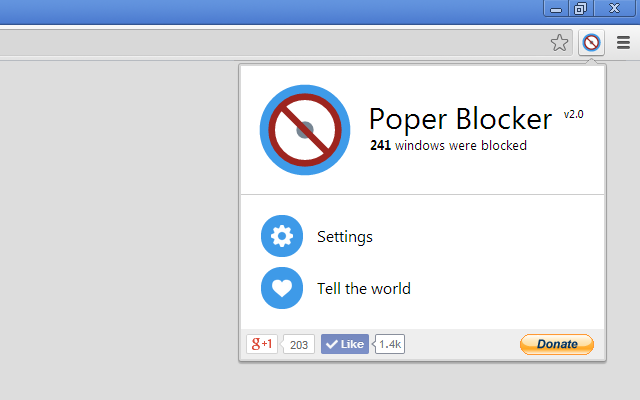
Poper Blocker
Blocks all these annoying popups and popunders that pop no matter where you click on a page.
250.6K 4.5★ (917)
2012
Extensions Reloader
A chrome extension for reloading unpacked extensions
339 10K 4.4★ (143)

2009–2018
Auto Replay for YouTube™
Enables automatic replay of a YouTube™ video or a part of it...
28.6K 88K 3.9★ (520)
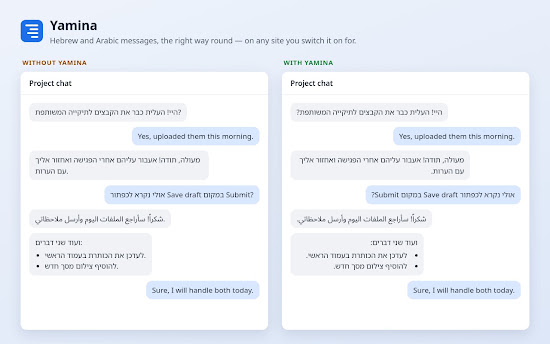

2026
Yamina
Right-aligns Hebrew and Arabic text on the sites you switch it on for.