R-Recorder
R-Recorder: Android audio recorder that can save recordings to a folder other apps can read. Fork of Audio Recorder by Dimowner. Install with Obtainium.
About
Sourced from arikw/r-recorder README

R-Recorder
R-Recorder is a fork of Audio Recorder by Dmytro Ponomarenko (Dimowner), licensed under the Apache License 2.0. It is not affiliated with or endorsed by the original author.
Install
- With Obtainium, which installs the app and keeps it updated from this
repository's releases: tap the badge above on your phone, or add
https://github.com/arikw/r-recorderin Obtainium. - Or download the APK from Releases. Each release lists the APK's SHA-256 and the signing certificate's SHA-256, to check the file.
R-Recorder installs next to the original Audio Recorder; it does not replace or update it.
What it changes
- Where recordings are saved (Settings → "Save recordings to"):
- the app's own folder, as in the original (other apps can't read it);
Recordings/R-Recorder, a shared folder other apps can read (the default; Android 11+);- a folder you choose: recordings are made in the app's folder and copied there when they finish.
- Its own app id (
net.wzmn.audiorecorder), name and icon, so it installs next to the original app.
Building
Release builds are signed with the fork's own key when key/release/signing.properties exists (kept out of git),
and with the public sample key otherwise. Build in a container: tools/Containerfile.
Features (from Audio Recorder)
1. Fast Startup: the app optimized to launch quickly, so you won’t miss a beat when inspiration strikes.
2. Flexible Formats: Choose from three recording formats:- M4A: High-quality audio in a compact file size.
- WAVE (WAV): Ideal for professional-grade recordings.
- 3Gp: Perfect for sharing on the go.
3. Customizable Settings:
- Easy to adjust sample rate and bitrate to suit your needs.
- Toggle between mono and stereo recording.
4. Visual Waveform: See your recordings come to life with waveform display.
5. User-Friendly Features:
- Rename recordings for easy organization.
- Share your audio files effortlessly.
- Import existing audio files.
- Create bookmarks for quick access.
- Personalize the app with colorful themes.
Test Coverage Reports
The project uses JaCoCo for code-coverage reporting. Two Gradle tasks are available:
Unit-test-only report (no device required)
./gradlew jacocoTestReport
Runs unit tests (testDebugConfigDebugUnitTest) and generates a coverage report.
| Output | Path |
|---|---|
| HTML | app/build/reports/jacoco/html/index.html |
| XML | app/build/reports/jacoco/jacocoTestReport.xml |
Full report — unit tests + connected (instrumented) tests
Prerequisite: a connected device or running emulator.
./gradlew jacocoFullReport
Runs both unit tests and connected Android tests (connectedDebugConfigDebugAndroidTest), then merges the coverage data into a single report.
| Output | Path |
|---|---|
| HTML | app/build/reports/jacoco/htmlFull/index.html |
| XML | app/build/reports/jacoco/jacocoFullReport.xml |
Coverage verification
./gradlew jacocoTestCoverageVerification
Runs jacocoFullReport and then asserts that the overall line coverage ratio ≥ 5 %. The build will fail if the threshold is not met.
Tip: For fast local iteration use
jacocoTestReport(unit tests only). ReservejacocoFullReport/jacocoTestCoverageVerificationfor CI or when you need instrumented-test coverage.
License
Copyright 2019 Dmytro Ponomarenko

Licensed to the Apache Software Foundation (ASF) under one or more contributor
license agreements. See the NOTICE file distributed with this work for
additional information regarding copyright ownership. The ASF licenses this
file to you under the Apache License, Version 2.0 (the "License"); you may not
use this file except in compliance with the License. You may obtain a copy of
the License at

http://www.apache.org/licenses/LICENSE-2.0

Unless required by applicable law or agreed to in writing, software
distributed under the License is distributed on an "AS IS" BASIS, WITHOUT
WARRANTIES OR CONDITIONS OF ANY KIND, either express or implied. See the
License for the specific language governing permissions and limitations under
the License.
More projects
See all →2025
Android Permissions Explorer
Android Permissions Explorer is a tool for displaying information about all the permissions supported by the Android OS, offering detailed listings and a user-friendly interface for exploring and filtering these permissions.
1

2026
Messages+
Messages+: a fork of Fossify Messages that keeps spam in a Spam folder instead of deleting it.


2011–2018
The Broken Calculator Game
Help "Calci" the calculator to solve math problems without his broken keys!
11.2K 3.8★ (65)


2010–2018
Lights Out Prank
Lights Out Prank detects when the lights go out and plays a scary sound.
16.5K 2.1★ (60)

2010–2013
BabyTV - Memory Game
50K+ 4.3★ (140)

2014–2024
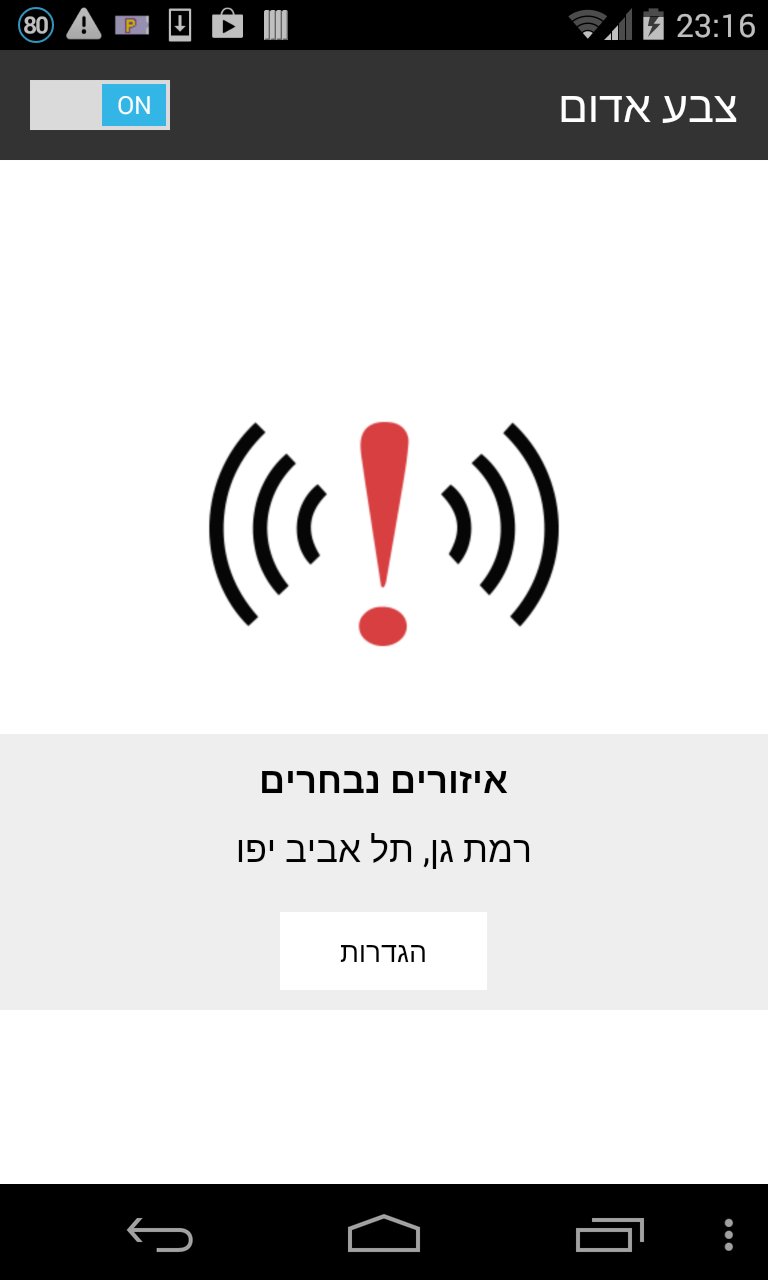
צבע אדום - אזעקות בזמן אמת
Display alerts "red color" Instant According to information is updated in real time directly from the Home Front Command
100K+ 4.6★ (4.2K)