What is Popper Stopper?
No more annoying popups and popunders. Period.
How to use it?
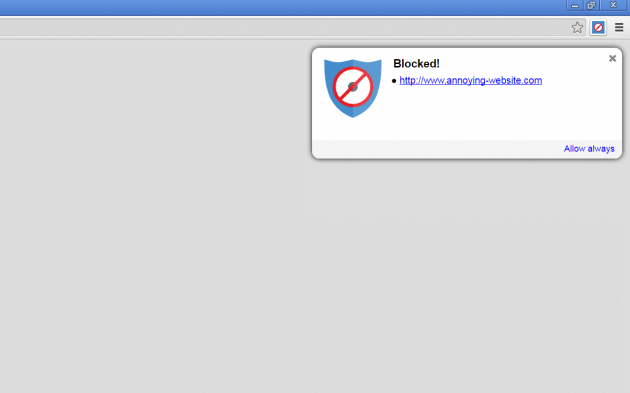
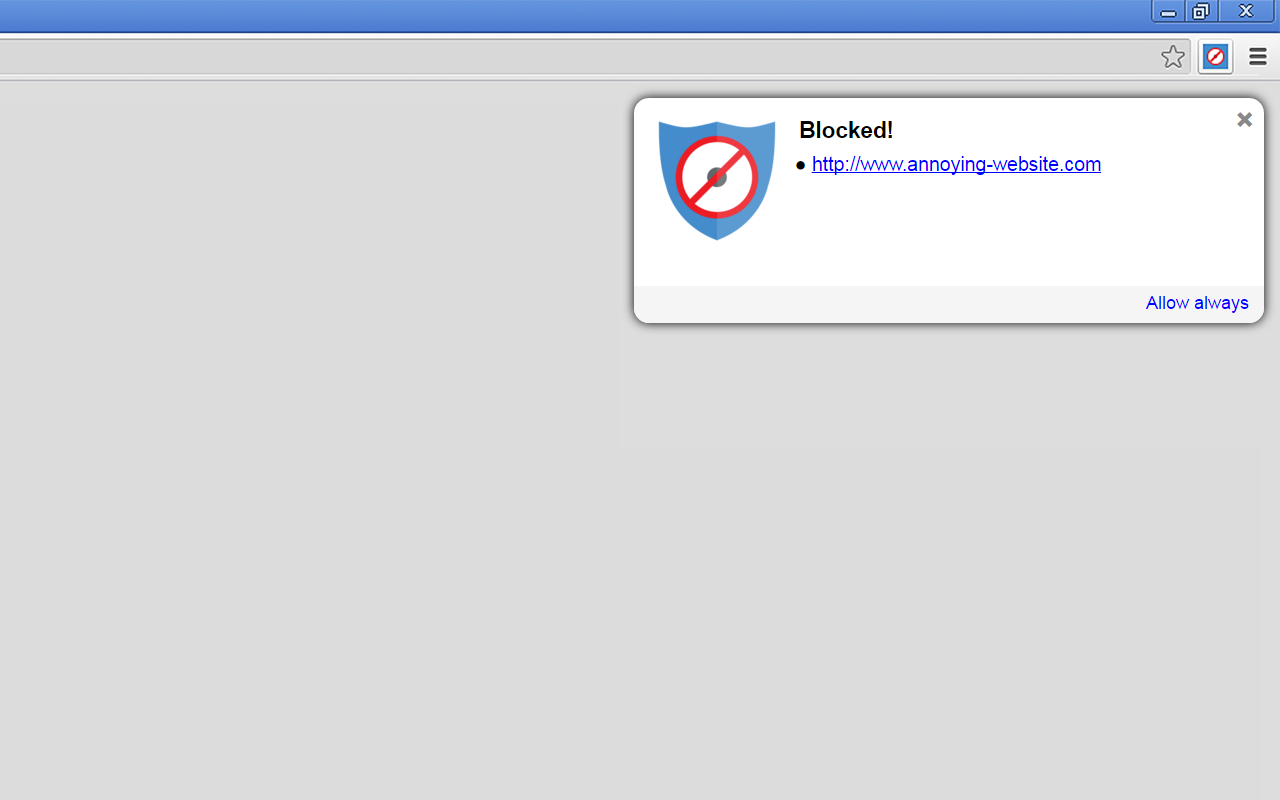
It’s very simple. Just install Popper Stopper and from that moment on, any time a new pop-under or pop-up window is about to pop, it will be automatically blocked and a notification will be shown.
You can view the blocked content by clicking on its link in the notification.
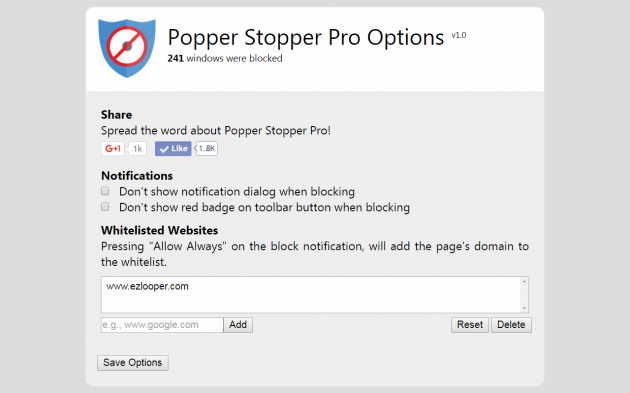
“Allow always” will suppress the blocking of any future content generated by the current website and add it to the whitelist.
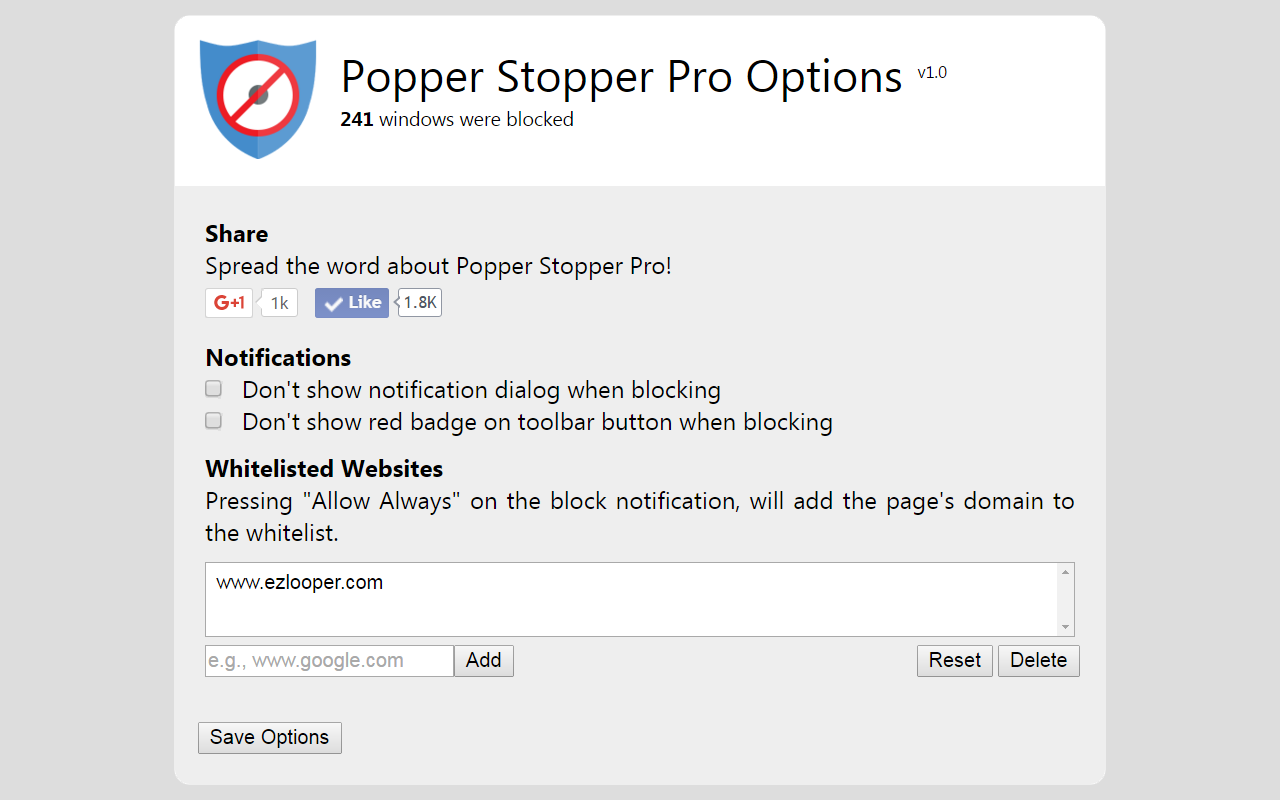
The whitelist can be managed by the extension’s options page.
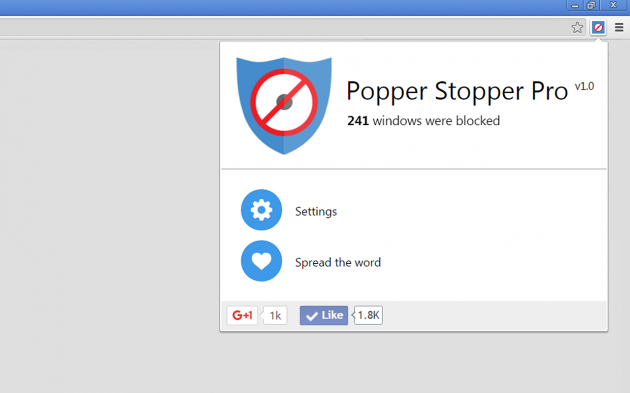
Please spread the word by joining Popper Stopper’s social pages!
Is it free?
Absolutely yes!
Collaborations
Popper Stopper Pro has partnered with oBlocker. oBlocker is a way to allow users to support the content creators and websites they love, while still using ad-blockers like Popper Stopper Pro. We recommend you to try out and download oBlocker, available for all Windows devices.
Screenshots